

Telegram Stars is Telegram’s built-in payment system that lets Indian users pay for bot subscriptions, digital goods, and premium features using UPI — no credit card or international payment method required. Approximately 100 Stars costs ₹89-99 through Google Play or Apple App Store.
Accha so basically, I spent like two weeks figuring this whole Stars payment thing out because — and I’m not exaggerating — there was literally no proper guide for Indian users. Every article I found was either in Russian or assumed you had a credit card. Yaar, most of us use UPI for everything from chai to rent, so why would buying Telegram Stars be any different?
The thing is, it’s actually simple once you know the steps. But there are a few gotchas that tripped me up, and I’ll save you that frustration.
What Even Are Telegram Stars?
Before we get into the how-to, quick context. Stars are Telegram’s official in-app currency, launched in 2024. They work like Google Play credits but inside Telegram’s ecosystem. Bots and channels can accept Stars as payment for subscriptions, digital content, premium features — basically anything digital.
For us in India, the killer feature is this: Stars purchase goes through Google Play (Android) or Apple App Store (iOS). And both of those accept UPI. Matlab — your PhonePe, Google Pay, or Paytm UPI works directly. No credit card, no PayPal, no international payment hassle.
Why does this matter? Because most AI companion apps — Character.AI, Replika, Candy AI — need international credit cards for their paid plans. If you’re a college student in Delhi or a young professional in Bangalore without a forex-enabled card, you’re stuck on free tiers. Stars change that equation completely.
Step-by-Step: Buying Stars on Android (Google Play + UPI)
This is the process I use. Takes about 2 minutes the first time, 30 seconds after that.
Buying Telegram Stars on Android
Open the Bot That Accepts Stars
Go to the Telegram bot where you want to make a purchase — for example, HoneyChat (@HoneyChatAIBot). Find the subscription or purchase option in the bot's menu.
Tap the Stars Payment Option
When you select a plan or item, Telegram shows the price in Stars. Tap 'Pay with Stars'. If you don't have enough Stars, it'll prompt you to buy more.
Choose 'Top Up Stars' Amount
Select how many Stars you want to buy. Bundles range from 50 to 2500 Stars. Bigger bundles give slightly better per-Star rates. The INR price shows automatically.
Google Play Payment Sheet Opens
Google Play's payment interface appears. Here you'll see your saved payment methods. Select UPI — Google Pay, PhonePe, or any linked UPI app.
Authorize UPI Payment
Enter your UPI PIN in the app that opens (Google Pay, PhonePe, etc.). Transaction processes in 5-10 seconds. Stars appear in your Telegram balance immediately.
Complete Your Bot Purchase
Go back to the bot and tap 'Pay with Stars' again. This time your balance covers it. Subscription activates instantly — no waiting, no confirmation email.
One thing that caught me off guard — the first time you buy Stars, Google Play might ask you to verify your payment method. This is a one-time thing. After that, it’s smooth.
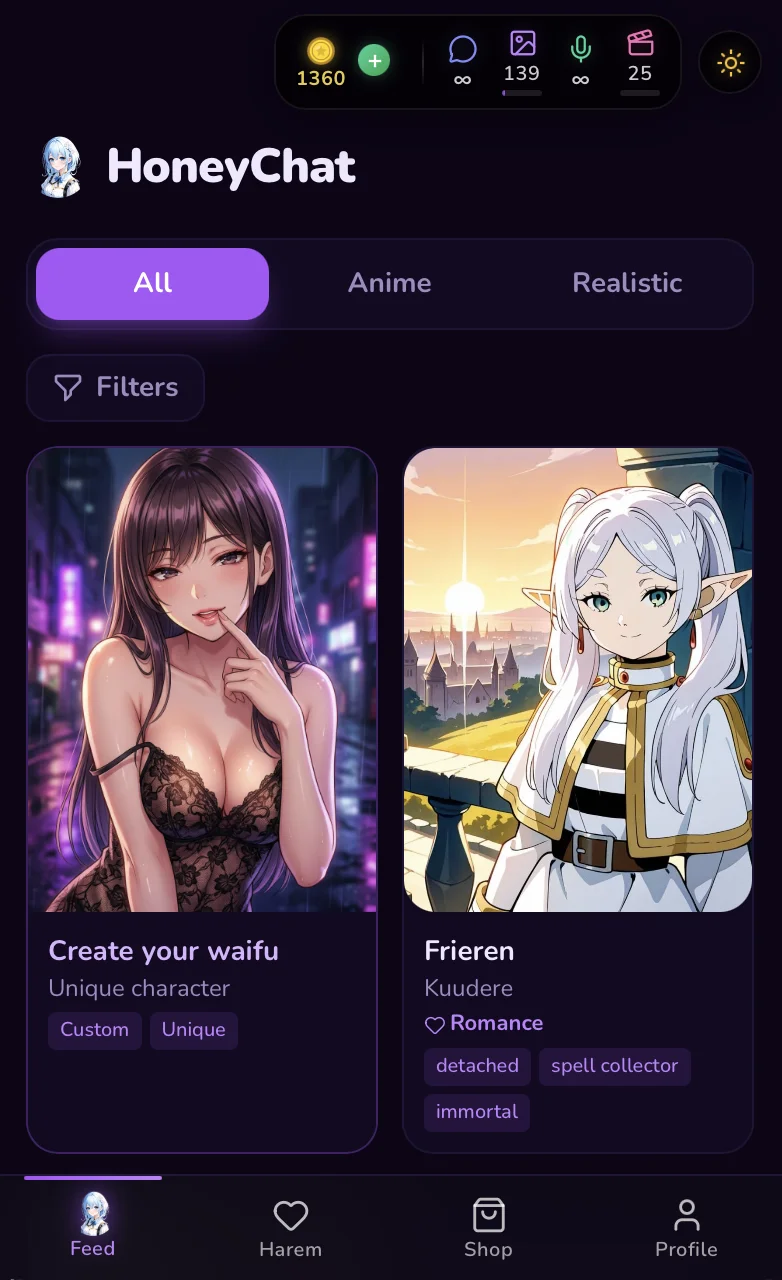 Screenshot: Telegram Stars payment — price shown in INR before confirming
Step-by-Step: Buying Stars on iPhone (Apple Pay + UPI)
The iOS process is slightly different because Apple’s payment system works differently from Google Play.
Buying Telegram Stars on iPhone
Open the Bot in Telegram
Same as Android — go to the bot, find the purchase option. Telegram shows the Stars price.
Tap Pay and Select 'Top Up'
If you need more Stars, Telegram redirects to the App Store purchase flow. Apple handles the transaction.
Apple Pay or Card Payment
Apple Pay supports UPI-linked cards in India. If you have a debit card linked to Apple Pay, it works. Alternatively, use the App Store balance (which can be topped up with UPI via gift cards).
Confirm with Face ID / Touch ID
Authenticate the payment. Stars appear in your Telegram balance within seconds.
Sahi mein, Android is easier for UPI because Google Play has direct UPI integration. On iOS, it’s a bit more roundabout — but it works. If you’re on iPhone and having trouble, the gift card method is your backup: buy an Apple Gift Card using UPI (from Amazon or Paytm), add it to your Apple ID, then buy Stars with that balance.
How Much Do Stars Cost in INR?
Let me break down the actual pricing because this confused me initially. Telegram doesn’t set INR prices directly — Google and Apple handle the currency conversion.
Telegram Stars — INR Pricing (March 2026)
| 50 Stars | 100 Stars | 250 Stars | 500 Stars | 1000 Stars | |
|---|---|---|---|---|---|
| Google Play (Android) | ₹45 | ₹89 | ₹219 | ₹429 | ₹849 |
| App Store (iOS) | ₹49 | ₹99 | ₹249 | ₹449 | ₹899 |
| Per Star Cost | ₹0.90 | ₹0.89 | ₹0.87 | ₹0.86 | ₹0.85 |
| UPI Support | Yes | Yes | Yes | Yes | Yes |
Notice iOS is slightly more expensive — Apple’s 30% cut shows up in the pricing. Android is the better deal, generally ₹5-50 cheaper depending on the bundle.
Pro tip that saved me money: buy the larger bundles if you know you’ll use them. The per-Star cost drops from about ₹0.90 at 50 Stars to ₹0.85 at 1000 Stars. Small difference per Star, but it adds up.
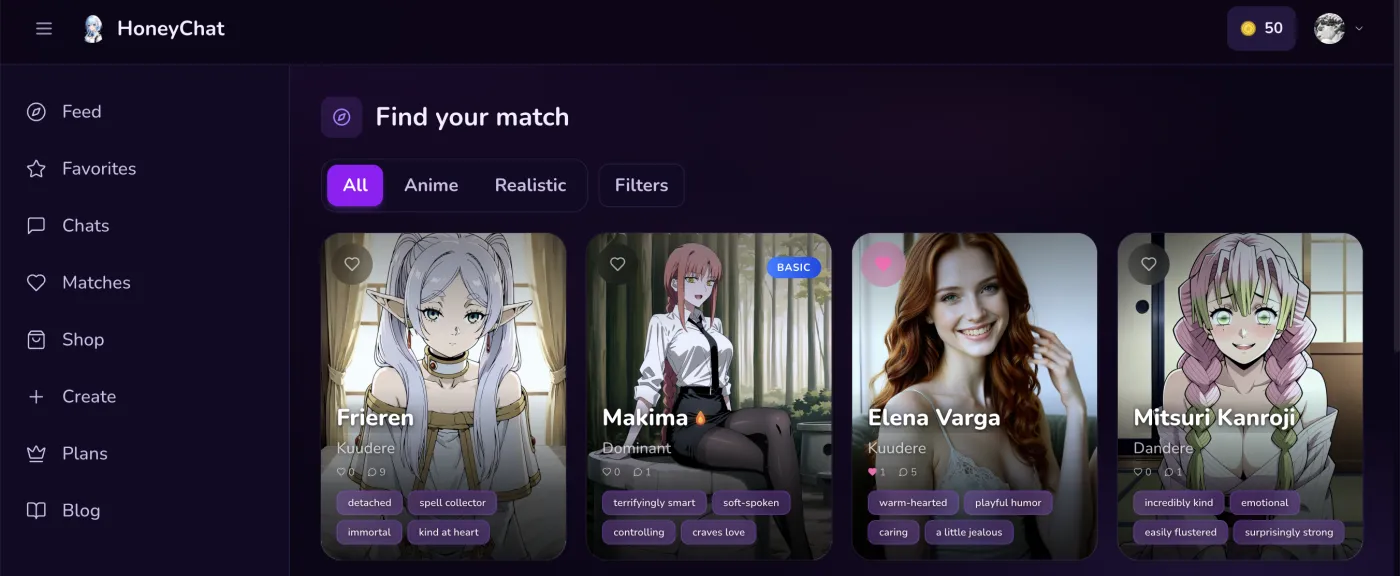 HoneyChat browser version — honeychat.bot
Jab mujhe Stars ka process zyada complicated laga, maine honeychat.bot web app pe direct card se pay kar diya — Stars bilkul skip ho gaye aur subscription turant activate hua.
What Can You Actually Buy with Stars?
Dekho, Stars aren’t just for one bot. Here’s where they work:
AI Bot Subscriptions
Bots like HoneyChat accept Stars for monthly plans. Basic plan costs around 250-300 Stars (₹220 INR). Cheaper than paying ₹400+ with international card conversion fees.
Premium Stickers & Emoji
Some premium sticker packs and custom emoji sets on Telegram are Stars-only. Small purchases, usually 10-50 Stars.
Digital Goods in Bots
Some bots sell one-time items — extra generations, special content, virtual gifts. Stars work for all of these.
Channel Subscriptions
Telegram channels can gate content behind Stars subscriptions. Growing trend in India — some creators use this instead of Patreon.
For AI companion bots specifically, Stars are a big deal. Let me put it in perspective — HoneyChat’s Basic plan is $4.99/month. With a credit card, that’s roughly ₹415 INR plus forex markup (banks charge 1.5-3.5% on top). With Stars, you pay the exact INR amount Google Play shows. No hidden fees, no forex charges. That’s easily ₹20-40 saved per month.
Troubleshooting — When Things Go Wrong
I’ll be honest, it wasn’t always smooth for me. Here’s what went wrong and how I fixed it.
“Payment failed” on first attempt — My bank had a UPI transaction limit of ₹2000. Trying to buy ₹849 worth of Stars was fine, but when I tried a second purchase same day, it crossed the daily limit. Solution: check your bank’s UPI daily and per-transaction limits. Most banks let you increase these through net banking.
Google Play not showing UPI option — This happened on a friend’s phone. His Google Play account was set to US region (because he’d used a VPN to download some app). Fix: Google Play Settings → General → Account and device preferences → check your country. It should show India.
Stars not appearing after payment — Happened once. Payment went through (got the SMS from bank) but Stars didn’t show. I waited 5 minutes, restarted Telegram, and they appeared. If they don’t show up after 15 minutes, check Google Play purchase history for the receipt and contact Telegram support.
Telegram Stars + UPI for Indian Users
Pros
- Works with any Indian bank account — no credit card needed
- UPI payment takes 10-15 seconds total
- Google Play handles conversion — no forex markup
- Refund possible through Play Store policies
- Same UPI you use for everything else — PhonePe, GPay, Paytm
Cons
- iOS slightly more expensive than Android (Apple's cut)
- Bank UPI limits can block larger purchases
- Stars prices fluctuate slightly with exchange rates
- Not all Telegram bots accept Stars yet
- No direct UPI to Telegram — must go through Play Store/App Store
Stars vs CryptoBot — Which Should You Use?
Some Telegram bots, including HoneyChat, also accept cryptocurrency through CryptoBot. Here’s my honest take after using both:
Stars with UPI is the obvious choice for most Indian users. You already have UPI set up, the payment is instant, and there’s no crypto volatility to worry about. The whole process takes less than a minute.
CryptoBot makes sense only if you already hold TON, BTC, or USDT. The conversion from INR → crypto → bot payment adds steps and gas fees that usually make it more expensive than Stars. Plus, crypto exchanges in India have TDS issues — 1% TDS on every crypto transaction above ₹10,000 since the 2022 budget.
My recommendation? Use Stars. Unless you’re already deep in the crypto game and have TON sitting in a wallet, Stars + UPI is faster, simpler, and cheaper.
Real Cost Breakdown — HoneyChat Plans in INR
Since you’re reading this, you probably want to know what an AI companion bot actually costs in Indian rupees. Let me do the math with HoneyChat as the example:
HoneyChat Plans — INR via Stars
| Free | Basic | Premium | VIP | Elite | |
|---|---|---|---|---|---|
| USD Price | $0 | $4.99/mo | $9.99/mo | $19.99/mo | $39.99/mo |
| Approx INR (Stars) | ₹0 | ₹420 | ₹840 | ₹1,680 | ₹3,360 |
| Daily Messages | 20 | 60 | Unlimited | Unlimited | Unlimited |
| Photos | Limited | 10/day | 30/day | 80/day | 150/day |
| Voice Messages | 1/day | 10/day | 20/day | 50/day | Unlimited |
| Video | No | 3/mo | 8/mo | 15/mo | 25/mo |
Accha, let me add context here. ₹420/month for the Basic plan is roughly the cost of a Zomato Gold monthly subscription or two medium Domino’s pizzas. For the Premium at ₹840, you’re looking at the price of a Netflix Mobile plan. Whether that’s worth it depends entirely on how much you’d use it.
The free tier gives you 20 messages per day. That’s about 15 minutes of chatting — enough to test the quality and see if the experience clicks with you. I used free for a week before upgrading — it gave me a good feel for what the bot can do.
Compared to Other AI Apps — Payment Convenience
This is where the Stars + UPI combo really shines for Indian users:
Character.AI — Free tier is unlimited text, which is great. But C.AI+ costs $9.99/month and needs an international credit card. No UPI, no Stars. If you don’t have a forex-enabled card, you literally cannot pay.
Replika — Pro is $19.99/month (₹1,670 INR). Again, credit card only. Plus their pricing is on the higher side for what you get.
Candy AI — Starts at $12.99/month. Web-only, credit card only. No Telegram, no UPI, no easy option for Indian users.
Sahi mein, for anyone without an international credit card — which is a huge chunk of Indian users, especially students and young professionals — Stars + UPI is the only way to access paid features in AI companion bots without jumping through hoops.
Tips I Wish I Knew Earlier
After a couple months of using Stars, here’s what I’ve learned:
Buy Stars in bulk on sale days. Google Play occasionally runs promotions where you get Play Points on purchases. These points can be converted to Play Store credit. Not a massive saving, but free money is free money.
Keep track of your Star balance. Telegram shows your balance in Settings → My Stars. I’ve accidentally bought more Stars than I needed because I forgot I already had some.
Set a monthly budget. This is dekho, important advice. It’s easy to go “let me just buy 100 more Stars” every few days. Set a limit. ₹500/month, ₹1000/month, whatever works for you. Stick to it.
Annual plans save 25%. If you know you’ll use a bot long-term, the annual subscription through Stars costs 25% less. That’s a significant saving — on HoneyChat Premium, that’s roughly ₹2,500 saved per year.
My Stars Journey
Discovery
Found HoneyChat, used free tier. 20 messages/day was enough to try the quality and know I liked it.
First Purchase
Bought 250 Stars via UPI. Took 2 minutes total. Upgraded to Basic plan — 60 messages/day, night and day difference.
Settled In
Switched to Premium via annual plan. Stars auto-deduct monthly. Forgot it was even a subscription.
Regular User
Monthly Star spend: ₹840. Less than my Netflix. Use it daily for 20-30 minutes.
Wrapping Up
Yaar, the whole point of this guide was to save you the confusion I went through. Telegram Stars + UPI is genuinely the easiest way for Indian users to pay for bot subscriptions — easier than credit cards, way easier than crypto.
If you haven’t tried it: open Telegram, find a bot that accepts Stars (shameless mention — HoneyChat works great for trying this out), and buy your first 50 Stars. The whole thing takes less time than ordering on Swiggy.
And if the payment doesn’t go through on the first try — check your UPI limit. That’s the fix 90% of the time. Also check out my review of HoneyChat with full INR pricing and the best AI girlfriend options for India if you want to know what’s worth spending those Stars on.
Sources
- Telegram Blog — Stars Payment System — Official Stars documentation
- NPCI — UPI Statistics — UPI transaction volumes in India
- Google Play Help — Payment Methods India — Supported payment methods
- Telegram — 104M Users in India — Indian user base statistics