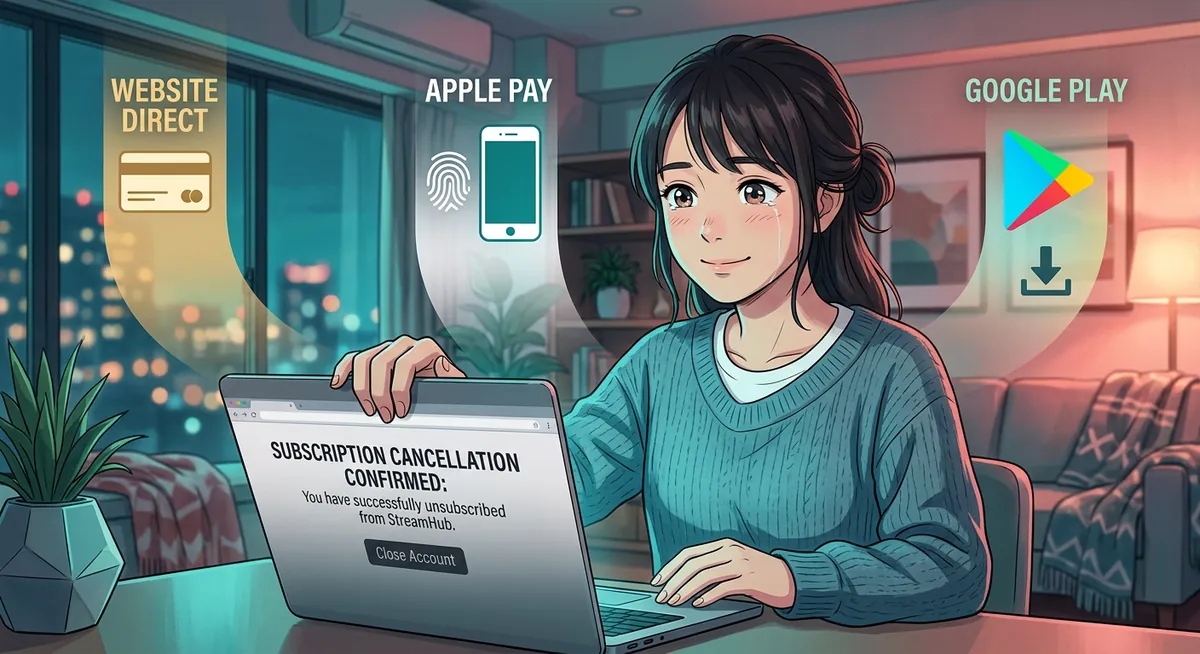
If CrushOn AI is auto-renewing and you can’t figure out why your cancel didn’t stick, you’re almost certainly running into the same trap as everyone else: the cancel button on crushon.ai only works for direct card / Stripe subscribers. If you subscribed via the Android APK (Google Play billing) or Apple Pay, the web cancel does nothing — Google/Apple owns the subscription. Below: every cancel path, refund reality, and what to do about your remaining credits.
Looking for an alternative without the cancel maze?
- Confident European girlfriend with a real voice → Elena Varga (flat pricing, cancel in Telegram in one tap)
- Cold Makima from Chainsaw Man → Makima (no credits, no Apple Pay forwarding)
- Mature owner of a private club → Mistress (semantic memory carries between months)
- Ex who didn’t forget about you → Ex-Girlfriend (no Pro Model gating)
HoneyChat — flat plans, instant cancel from Telegram



Step-by-step: web cancel (Rapyd / direct card)
Web cancel for direct subscribers
Sign in to crushon.ai
Use same email/Google account you signed up with.
Click your avatar (top-right)
Drops down a menu. On mobile, scroll to top first.
Account → Subscription tab
Left sidebar on desktop, horizontal tab strip on mobile.
Manage Plan → Cancel Plan
'Manage Plan' link is small grey text. Don't click 'Pause' — that just delays billing.
Confirm cancel (ignore discount offer)
CrushOn will offer a discount/credits to keep you. If you actually want to cancel, click 'No thanks, cancel anyway'. Confirmation email arrives within 5 minutes.
Step-by-step: Google Play cancel (Android APK subscribers)
If you installed CrushOn via their official APK (apk.co-cdn.com/release/crushonai-latest.apk) and subscribed via the in-app prompt, Google Play handles billing — NOT crushon.ai. The web cancel button does nothing for you.
Cancel via Google Play
Open Google Play Store app on Android
Not the CrushOn APK — the actual Play Store app.
Profile picture (top-right) → Payments & subscriptions
Tap your avatar, then 'Payments & subscriptions'.
Subscriptions → CrushOn AI
List of all active subscriptions on this Google account. Find CrushOn.
Cancel subscription
Bottom of the detail page. Confirm. You'll keep access until period ends — Google sends confirmation email.
Step-by-step: Apple Pay cancel (iOS subscribers)
Cancel via iPhone Settings
iPhone Settings → tap your name (Apple ID)
System Settings, not within CrushOn app.
Subscriptions
Listed near top of Apple ID page.
Find CrushOn AI
May show as 'CrushOn' or 'CrushOn AI' depending on registration.
Cancel Subscription
Bottom of subscription page. Confirm.
Cancel via crypto payment
If you paid using Pay with Crypto on CrushOn AI: no recurring billing exists. Crypto subscriptions are one-off charges for a fixed period (1 month or 1 year). You don’t cancel anything — subscription auto-expires at period end.
Caveat: crypto payments are non-refundable. Annual via crypto = locked in.
What happens to your credits
| Period | What happens |
|---|---|
| Cancel today, period ends in 20 days | You keep full credit allowance for 20 days. Use them. |
| 20 days pass | Account drops to free tier. Credit balance resets to 100/month (free tier). |
| Unused subscription credits at switch-over | Forfeited. No rollover, no refund. |
| Re-subscribe later | Fresh credit allowance starts. Old forfeited credits NOT restored. |
Burn-the-credits strategy: before canceling, use up remaining credits. Especially relevant for Premium/Elite/Imperial tiers where credit value is significant — switch to GPT-4 (or whatever Pro Model is in LTO) and have extended sessions. Don’t leave credits on the table.
Refund possibilities by payment method
| Method | Refund possible? | How |
|---|---|---|
| Direct card / Rapyd | Sometimes | Rapyd / bank chargeback via your bank within 60 days |
| Google Play | Within 48 hours | Play Store → Order History → Refund request (auto-approved if under 48 hrs from purchase) |
| Apple Pay | Sometimes | iPhone Settings → Apple ID → Subscriptions → Report a Problem (Apple decides) |
| Pay with Crypto | No | Blockchain irreversible |
CrushOn AI’s official policy: “All sales final. Subscription remains active through paid period.” Disputes succeed when you can document misrepresentation — not just “I want a refund.”
Common CrushOn cancel mistakes
Pros
- Web cancel works reliably for direct Rapyd subscribers
- Confirmation email within 5 minutes — paper trail
- Keep access until period ends — you don't lose paid time
Cons
- Android APK subscribers think they canceled on web — Google Play keeps billing
- Apple Pay subscribers face same issue — must cancel in iPhone Settings
- Pause ≠ Cancel — Pause just delays next billing
- Unused credits forfeited at period end with zero compensation
- Crypto subscriptions are non-refundable
Why people cancel CrushOn AI
From Reddit (r/AICompanion, r/CrushOnAI):
- Credit anxiety — counting credits while chatting kills immersion. Especially on Pro Models that burn 2-5x faster.
- Pro Model gating — paying $7.9/mo Premium and still finding favorite Pro Models locked outside Limited-Time Offer windows.
- Russian/non-English speakers — translated chat quality issues, no native language support.
- Memory comparison — Pin Feature 800 chars feels limited next to platforms with semantic memory.
- Payment fees — non-US users paying via virtual cards face additional fees.
What people switch to
| Switch destination | Why |
|---|---|
| HoneyChat | Flat $4.99-39.99/mo, no credits, no Pro Model lockout. Free tier usable daily. Cancel in Telegram one tap. Native Russian + 15 voice languages. |
| SpicyChat | Free unlimited text NSFW with ads. English only, no photos free. |
| Candy AI | Better image generation, similar token-economy issue ($25-60/mo realistic). |
| JanitorAI | Free if you bring your own OpenAI/Anthropic API key. Technical setup. |
| Character.AI | Free unlimited text, strict NSFW filter — not equivalent. |
FAQ
Will CrushOn try to keep me subscribed when I cancel? Yes — typical SaaS retention. Discount offer (30-50% off next month) appears after Cancel click. Ignore it and click “No thanks, cancel anyway” to proceed.
Can I get a refund for a year I just paid? Rapyd / bank chargeback is your option if within 60 days and you can document service issues. Otherwise no — CrushOn policy is no pro-rata refunds.
Is my chat history preserved after cancel? Yes — chats stay in your account at free tier. You can still view them, send messages within free 100-credit limit. Delete account to wipe permanently.
What if my CrushOn subscription gets stuck or won’t cancel? Email support@crushon.ai with subscription details. Worst case, dispute the charge with your bank (Rapyd / bank chargeback path) — your bank will force CrushOn to acknowledge cancel.
Bottom line
Web cancel takes 2 minutes when you find the path. The two big traps: Android APK subscribers must cancel in Google Play (not crushon.ai), and iPhone Apple Pay subscribers must cancel in iPhone Settings. Both groups keep getting billed because they only canceled on web.
For people canceling because of credit anxiety or Pro Model gating, HoneyChat offers flat pricing without per-message credit tracking. Free tier (20 msg + 3 photos + 1 voice daily) is usable for daily testing. Detailed comparison: CrushOn AI alternative.