📦 Training template: github.com/sm1ck/honeychat/tree/main/tutorial/03-lora — a generic Kohya SDXL config with
<tune>placeholders and a dataset curation guide. No docker-compose (LoRA training is GPU-heavy) — you bring your own GPU or rent one.
Open them in browser or Telegram — 20 free messages per day.
Popular characters in HoneyChat


Here’s a failure mode many AI companion apps run into on launch day: users send two requests in a row for the same character, get two different faces, and conclude the product is broken. They’re not wrong to feel that way. Character identity is part of the product.
This post is about why that happens, why the obvious fixes often don’t fully solve it, and what class of solution works better. Concrete hyperparameters stay internal — the reference is enough to reproduce the right shape.
TL;DR
- Identical seed + identical prompt + different batch size = different face. Seeds only help within the same sampler run.
- Prompt detail plateaus fast. Past a certain tag count, the model interpolates anyway.
- Reference image (IP-Adapter) works but can bleed stylistic features — outfit, lighting, background — into generations where you only wanted identity.
- Custom LoRA per character makes identity much more stable by encoding it at the weights level instead of relying only on prompt text.
Train your own character LoRA — the short walkthrough
LoRA training is GPU-heavy and doesn’t belong in a docker-compose, so the tutorial folder at tutorial/03-lora ships the config template and recipe. You bring the GPU.
1. Get a GPU
24 GB VRAM (e.g. RTX 3090/4090) fits SDXL LoRA at batch size 2–4 comfortably. Don’t own one? Rent a spot — Vast.ai, RunPod, Modal, Paperspace, Lambda. A full training run costs a few dollars.
2. Install Kohya_ss
git clone https://github.com/bmaltais/kohya_ss ~/kohya_sscd ~/kohya_ss && ./setup.sh3. Grab the template
cd ~/projectsgit clone https://github.com/sm1ck/honeychatcp -r honeychat/tutorial/03-lora ./my-character-loracd my-character-lora4. Prepare your dataset
Drop 15–30 varied images of your subject into dataset/train/5_character/
(the 5_ is the repeat count). For each image, create a same-named .txt
caption describing the scene — not the character. See
dataset/README.md
for the full curation checklist.
5. Fill the <tune> slots in kohya-config.toml
Every hyperparameter is a placeholder you pick based on your dataset and base
model. Read the inline comments, then replace each <tune> with a real value.
The safety check in train.sh will refuse to run if any placeholder remains.
6. Train
export KOHYA_DIR=~/kohya_ssbash train.shThe checkpoint lands at ./output/<your-character>.safetensors. Load it into
ComfyUI or Diffusers like any other SDXL LoRA. Generate a test grid, iterate,
retrain if needed.
The rest of this post explains why this pipeline shape works and what breaks when you try to shortcut it.
Why “same prompt, same face” doesn’t hold
Three reasons.
Batch size changes the output. batch_size=1 vs batch_size=4 with the same seed produce different images for position 0. The RNG state depends on batch dimension.
Provider-side sampler drift. Managed APIs update samplers and models over time. Your previously stable character can drift across weeks.
Prompt detail saturates. Adding more tags (“sharp nose, narrow eyes, specific mole position”) doesn’t help past a point. The model has a rough template and interpolates.
The in-between fix that doesn’t quite work: IP-Adapter
IP-Adapter lets you pass a reference image alongside the prompt. For product photography (render this dress on a model), it can be excellent. For character identity, it has a practical drawback: IP-Adapter can carry stylistic baggage. A reference photo with specific lighting, pose, or outfit can bleed those into generations where you only wanted the face. Turn the weight down and identity may degrade. Turn it up and the reference can dominate.
IP-Adapter is a good fit when the reference is what you want preserved (product catalog — next post). It’s usually a poor fit when what you want preserved is only the face.
The solution: custom LoRA per character
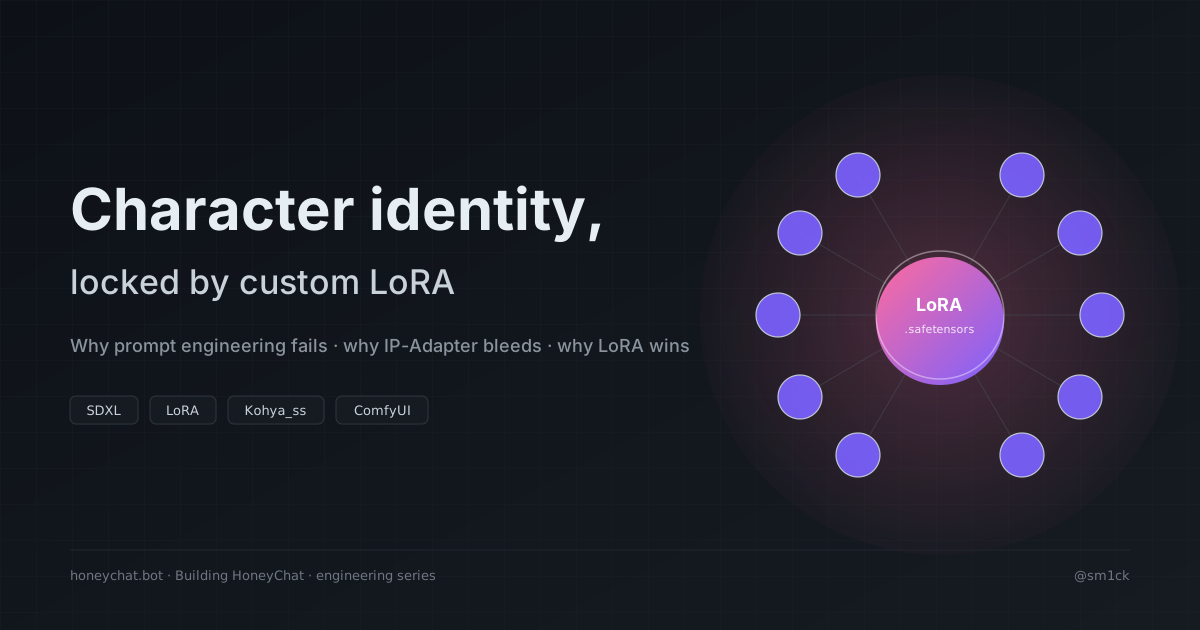
A LoRA (Low-Rank Adaptation) is a small set of additional weights on top of a base model. A character-specific LoRA trained on a curated dataset — consistent face, varied pose/outfit/lighting — encodes the identity into the weights.
workflow = [ "Checkpoint", # base SDXL model f"LoRA: {char.lora}", # the character's custom LoRA "FreeU", # quality touch-up "KSampler", # actual diffusion]Every image of Anna is much more likely to stay Anna across poses, outfits, and lighting changes.
Training — public-friendly template
Using the publicly available Kohya_ss SDXL trainer, the training config lives in the tutorial repo — every hyperparameter is a <tune> placeholder you fill in for your subject and base model:
The parameters that matter — LR, step count, rank, alpha, dataset size — are subject-dependent. Anime faces converge differently than realistic faces. There is no universal “best” setting.
What to optimize for:
- Dataset quality over size. 20 clean, varied, captioned images beat 100 messy ones.
- Varied pose and lighting, constant face.
- Clean captions. Describe the scene, not the character. “Woman in a garden” is better than “Anna in a garden” so the model learns the face from context.
- Dedicated rank for face detail. Lower underfits, higher overfits and kills flexibility.
Marginal cost: usually manageable
Training one character LoRA on a rented or owned GPU is usually measured in minutes to hours of compute, depending on dataset and settings. Inference with the LoRA attached often adds little overhead compared with the base generation. At scale, the per-character cost is dominated by dataset curation, not just training.
Production concerns
LoRA hot-swapping. Load the base checkpoint once, swap LoRAs per request. ComfyUI and Diffusers both support this natively.
Dataset hygiene. LoRAs memorize whatever’s in the dataset. Enforce licensing upstream — the LoRA is downstream of the decision.
Storage at scale. LoRA file size depends on base model and rank; expect anything from a few MB to much larger checkpoints. Object storage + hot-LoRA pinning on inference workers keeps latency down.
Face ≠ body. Include full-body shots in the dataset if you need full-body consistency. Expect iteration.
What would change on a rebuild
- Ship the LoRA pipeline from day 1.
- Curate datasets manually; don’t scrape.
- Store base-model version with each LoRA asset — needed for migration when the base updates.
- Version LoRAs (v1, v2) and keep old versions live for per-character rollback.
Where this lives
HoneyChat uses custom LoRA per character for image and video identity. The pipeline runs on dedicated GPU workers and feeds both the Telegram bot and the web app. Public architecture reference: github.com/sm1ck/honeychat.
Previous: LLM routing per tier. Next: IP-Adapter Plus for a product catalog.